
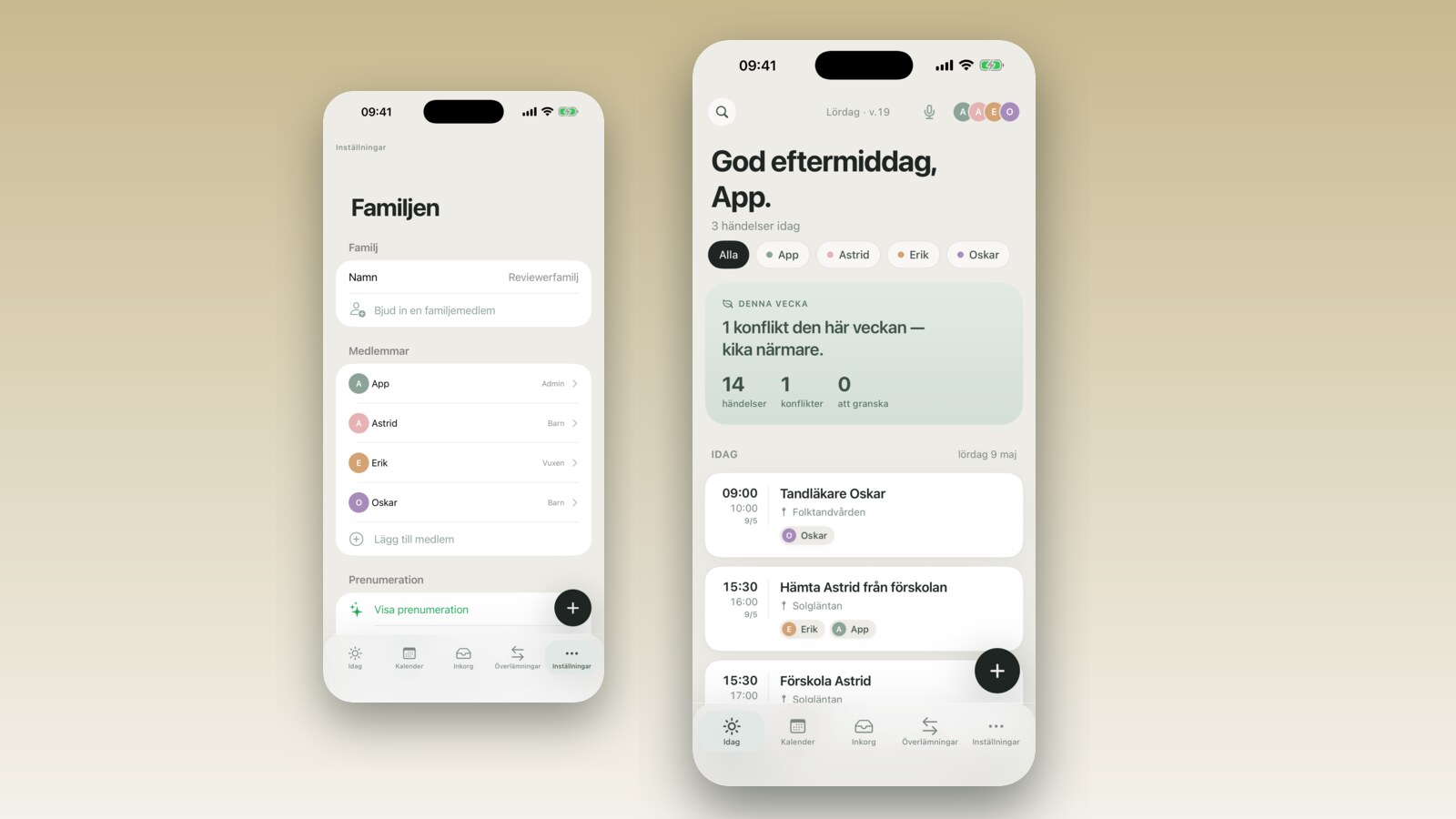
App news
Weekday and weekend notification times — daily summary v2
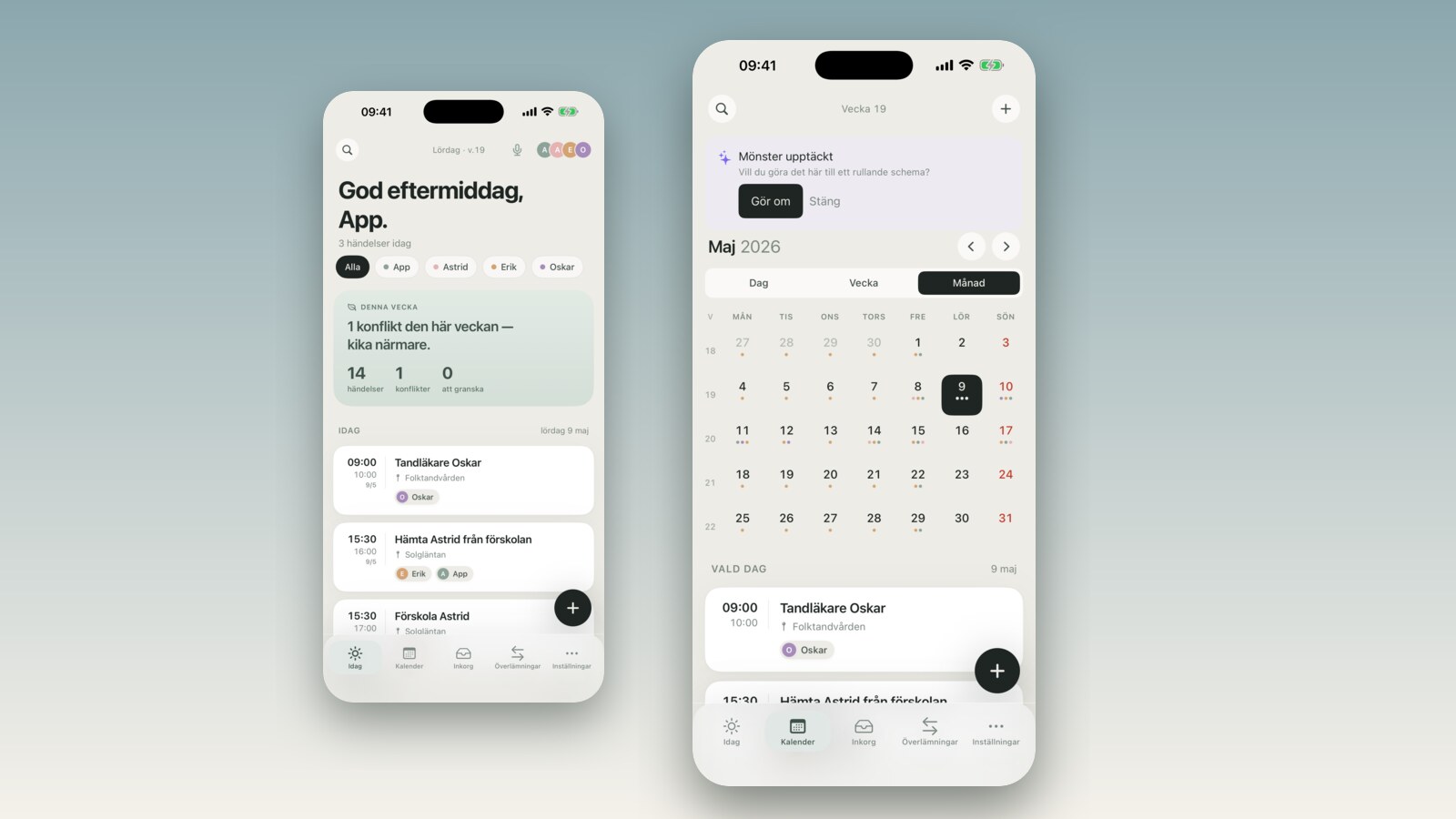
Different notification times for weekdays and weekends, an evening push that shows 'tomorrow: 3 events', or skip weekends entirely. You decide — the app adapts.
·7 min read
Practical tips for busy families.
Different notification times for weekdays and weekends, an evening push that shows 'tomorrow: 3 events', or skip weekends entirely. You decide — the app adapts.
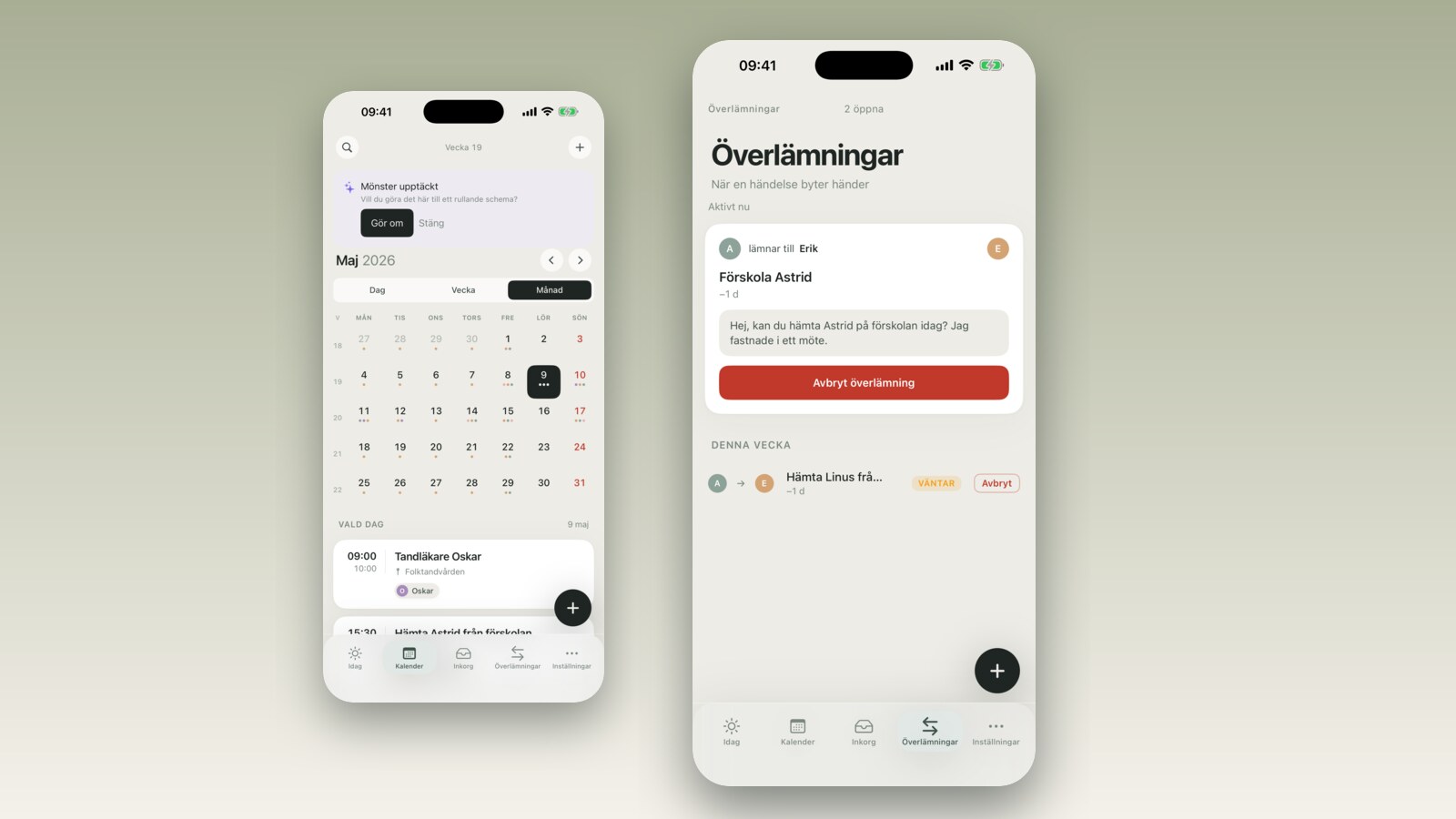
Inbox and handoff notifications used to wait until someone opened the app. Now they appear on the lock screen within seconds. Here's what changed and why.
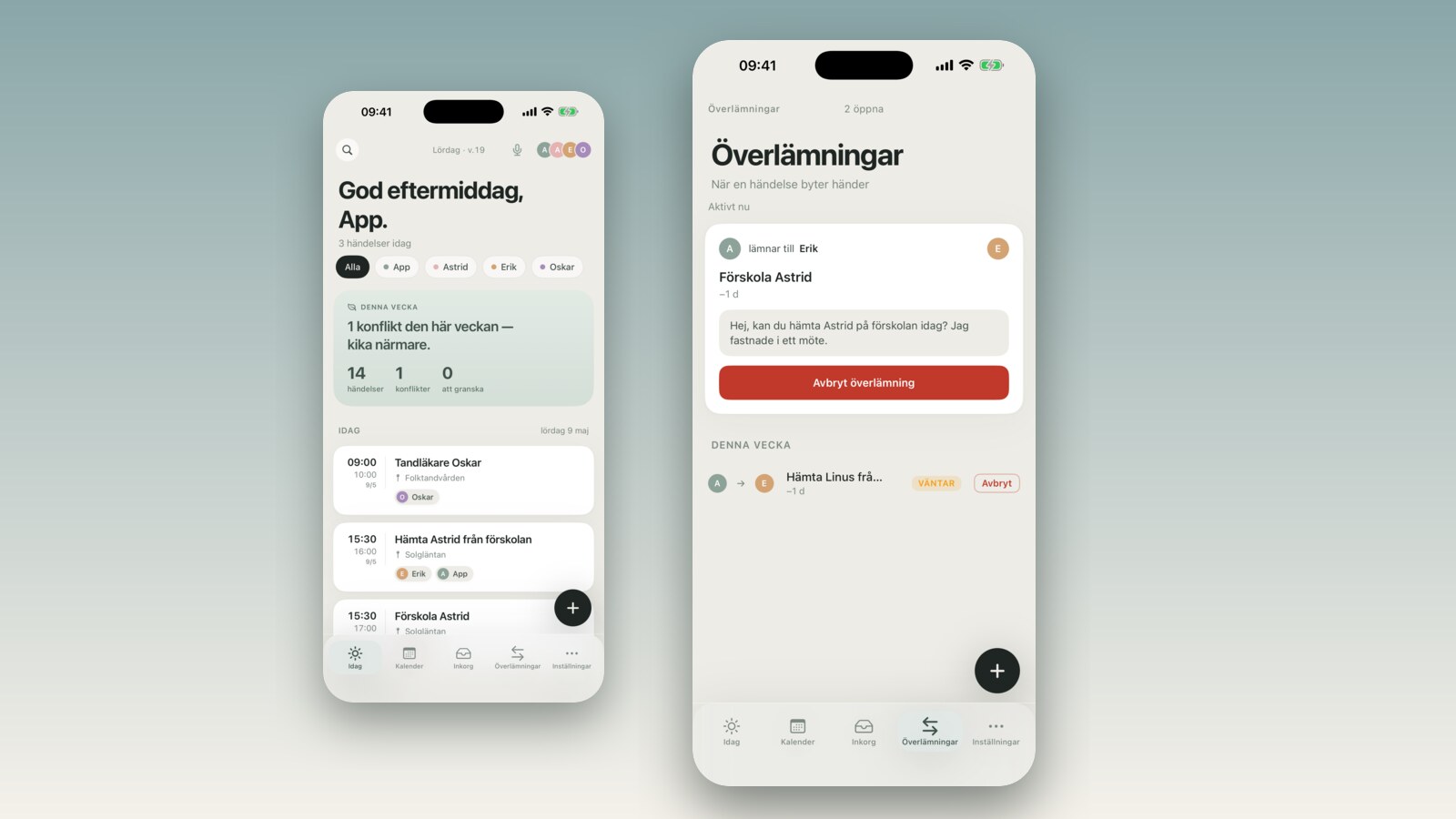
Grandma doesn't have FamilyBoard. You still loop her in via iMessage — time, place, and a short note come pre-written. One tap and it's sent.
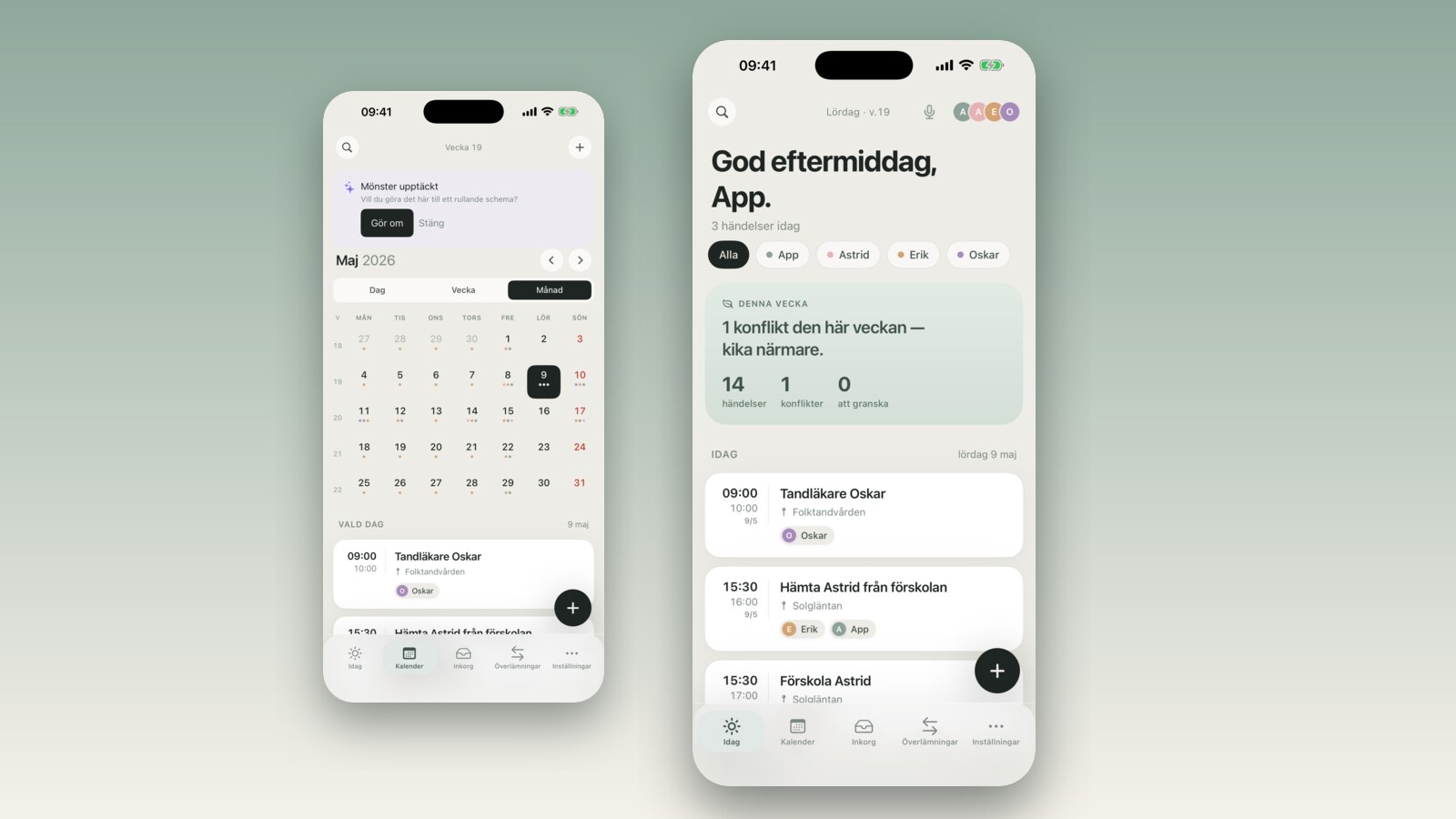
Forward an email from school or coach to your private FamilyBoard address — AI reads out time, place, and things to bring. You approve in the Inbox.
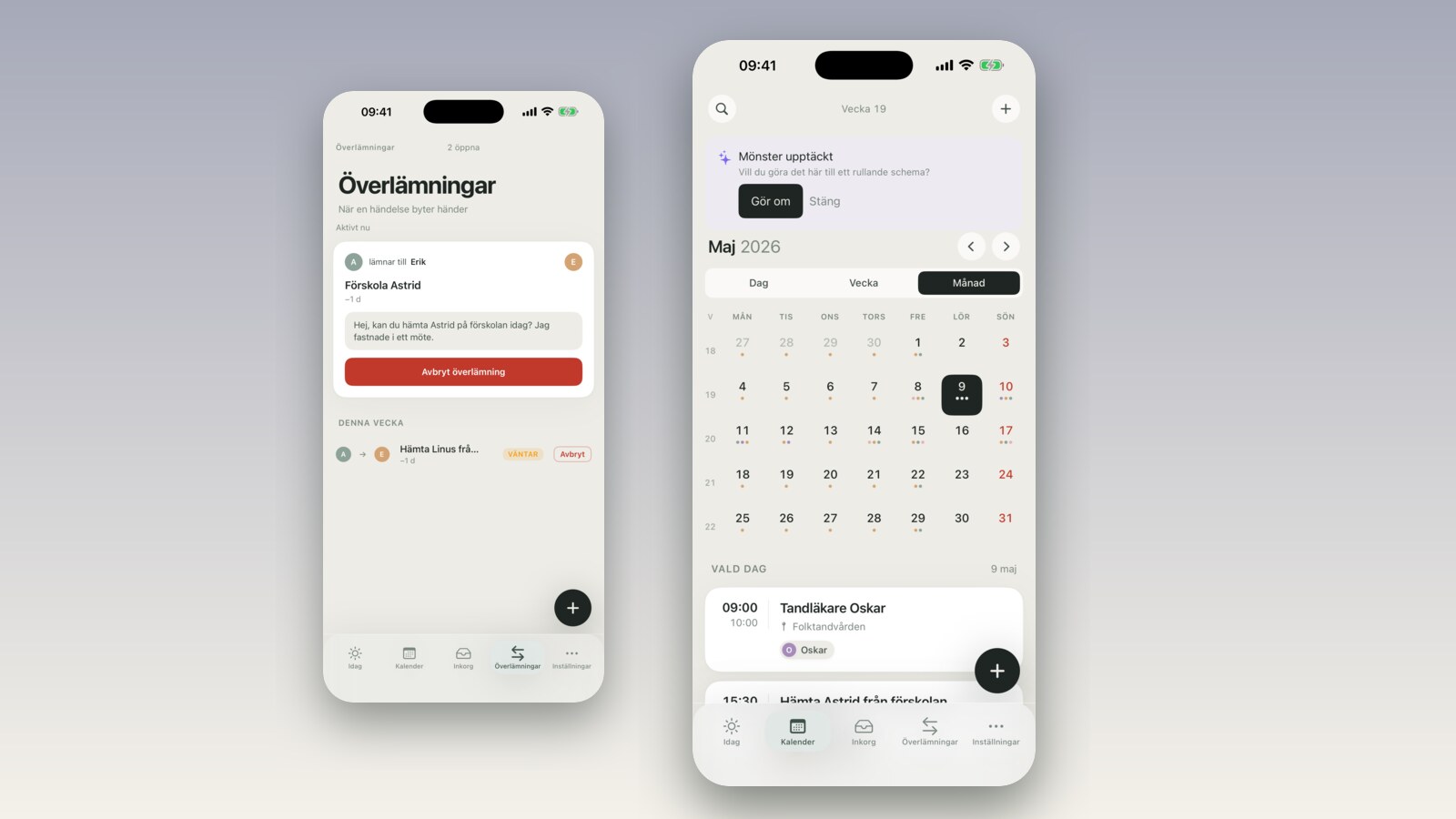
Practice time moved? Edit an editable rolling schedule in place — change the cycle, anchor week, or a single template without losing your history.
The coach sees all of May in a green calendar instead of 96 time slots. Free days highlighted, one click opens the slots, booking creates the event for you.
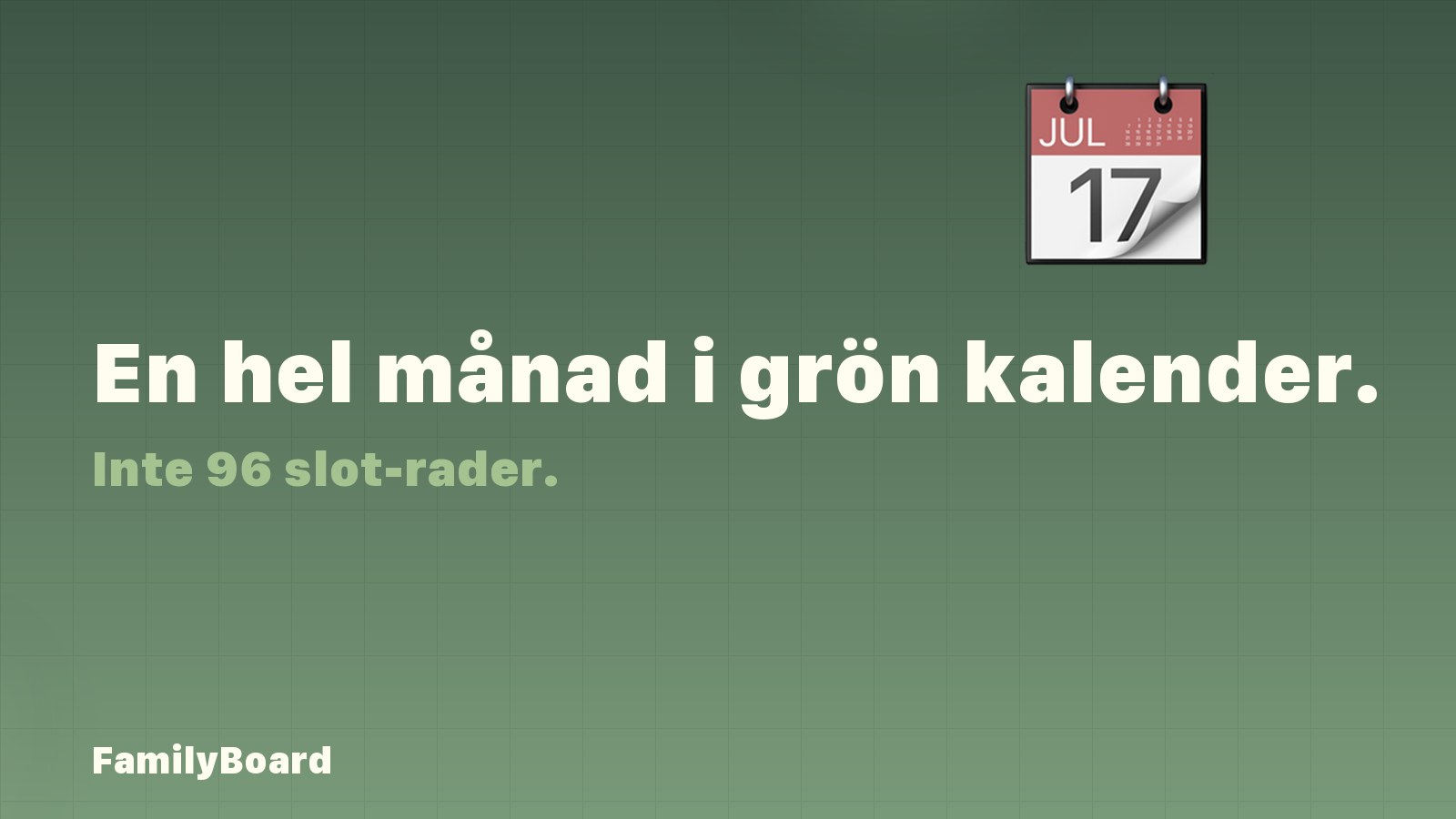
Send a link where others can book time with you. The recipient sees the whole month with your free days marked in green — not an endless list of 96 time slots.
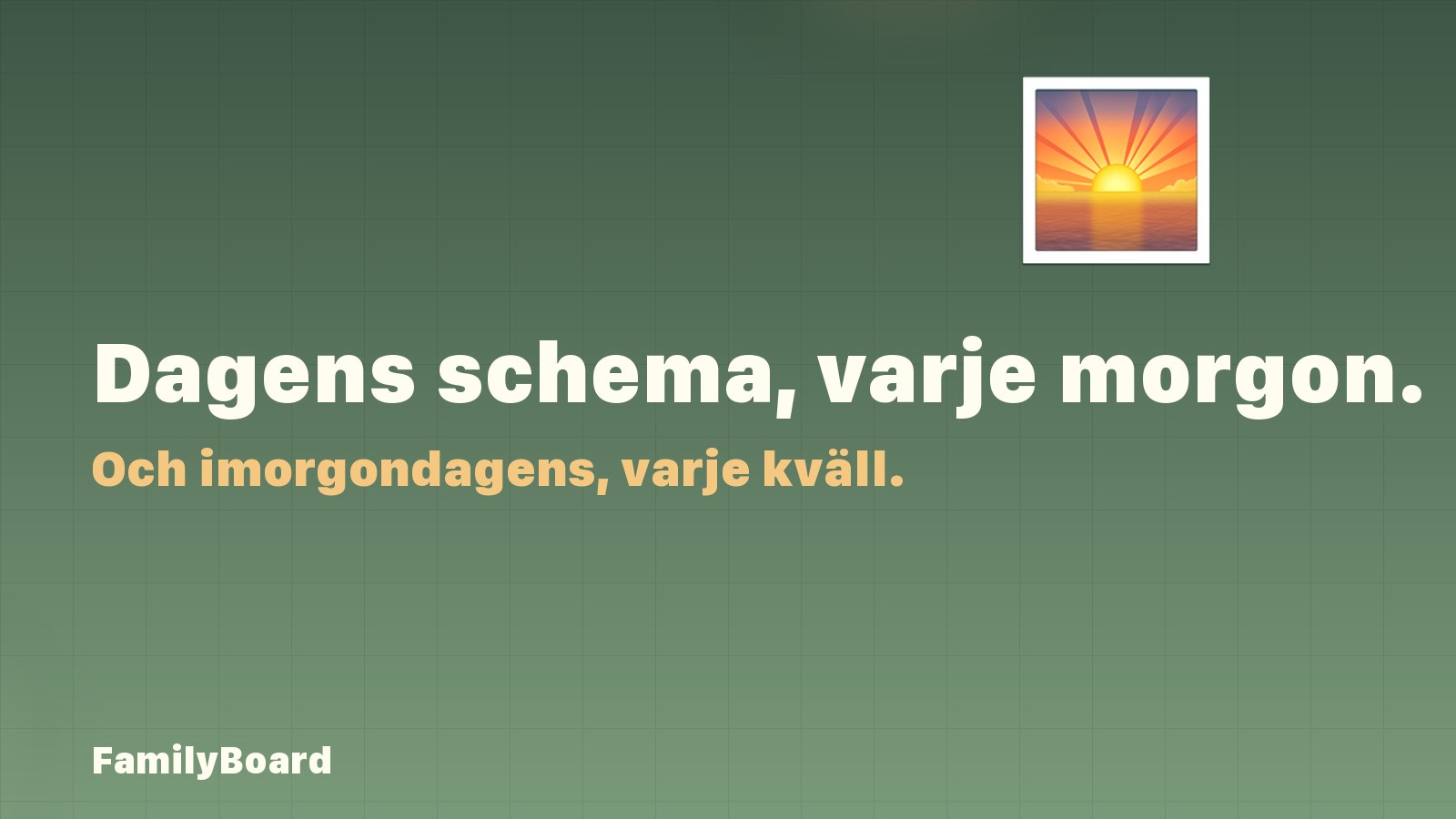
A push notification in the morning with today's events and one in the evening with tomorrow's. Different times for weekdays and weekends, or skip weekends entirely — you decide.
Need grandma to do the pickup? Hand the activity off to someone without FamilyBoard via iMessage with time, place and a short note pre-rendered. One tap, the message is sent.
Get a private alias address per family. Forward field-trip emails from school, practice schedules from the coach, reminders from the pediatrician — the AI extracts time, place and attendees and proposes the event in the Inbox.

Limit which weekdays a recipient can book when you share availability. Made for every-other-weekend parents, shift workers, and anyone with an uneven schedule.

No more sticky notes on the fridge. FamilyBoard now has shared family lists in four flavours — shopping, packing, to-do and other — visible to the whole family in real time on iOS and web.

When you fill in the location for a new event, FamilyBoard suggests places from your family's last 200 events. A small thing that saves minutes every week.

Before, a 21:00–07:00 shift appeared identical on both days and looked like a double shift. Now day two shows a clear 'finishes 07:00' with a back-arrow — so nobody second-guesses anymore.

No more 'we have to leave NOW' five minutes too late. When an event has a location, FamilyBoard works out when you need to leave and tells you.

You shouldn't have to type in 200 historical events to switch to FamilyBoard. One tap pulls them in from iOS Calendar — and duplicates can't happen.

FamilyBoard now publishes a private feed that Apple Calendar, Google Calendar and Outlook can subscribe to. Family events show up in your work calendar with no manual copying.

Add your family's pets to FamilyBoard with chip number, breed, vet contact and allergies. Visible to everyone in the family and linked bonus family.

Stop hunting through Mail, Files and SMS for that permission slip. Family documents is a shared folder for everyone in the family — private and secure.

Event titles in FamilyBoard now get an automatic emoji based on the words you write. Faster visual scanning of Today and the calendar — especially for kids learning to read.

Per-child health info in FamilyBoard. Blood type, allergies, doctor, emergency contact. Visible to both parents and bonus family. Stop second-guessing in the ER.

New segmented tabs in the calendar to switch between day, week and month views. Plus a w-column with ISO week numbers in the month grid, for everyone who thinks in w18 rather than dates.

Co-parenting after a split? Link two families in FamilyBoard so you both see the events that matter — without losing control of your own calendar.

Write one sentence about how your family eats. FamilyBoard suggests 7 dinners and a deduplicated shopping list you can save in one click.

Type the trip name, the dates and the kids' ages. FamilyBoard generates a complete packing list tuned to weather, length and who's coming.
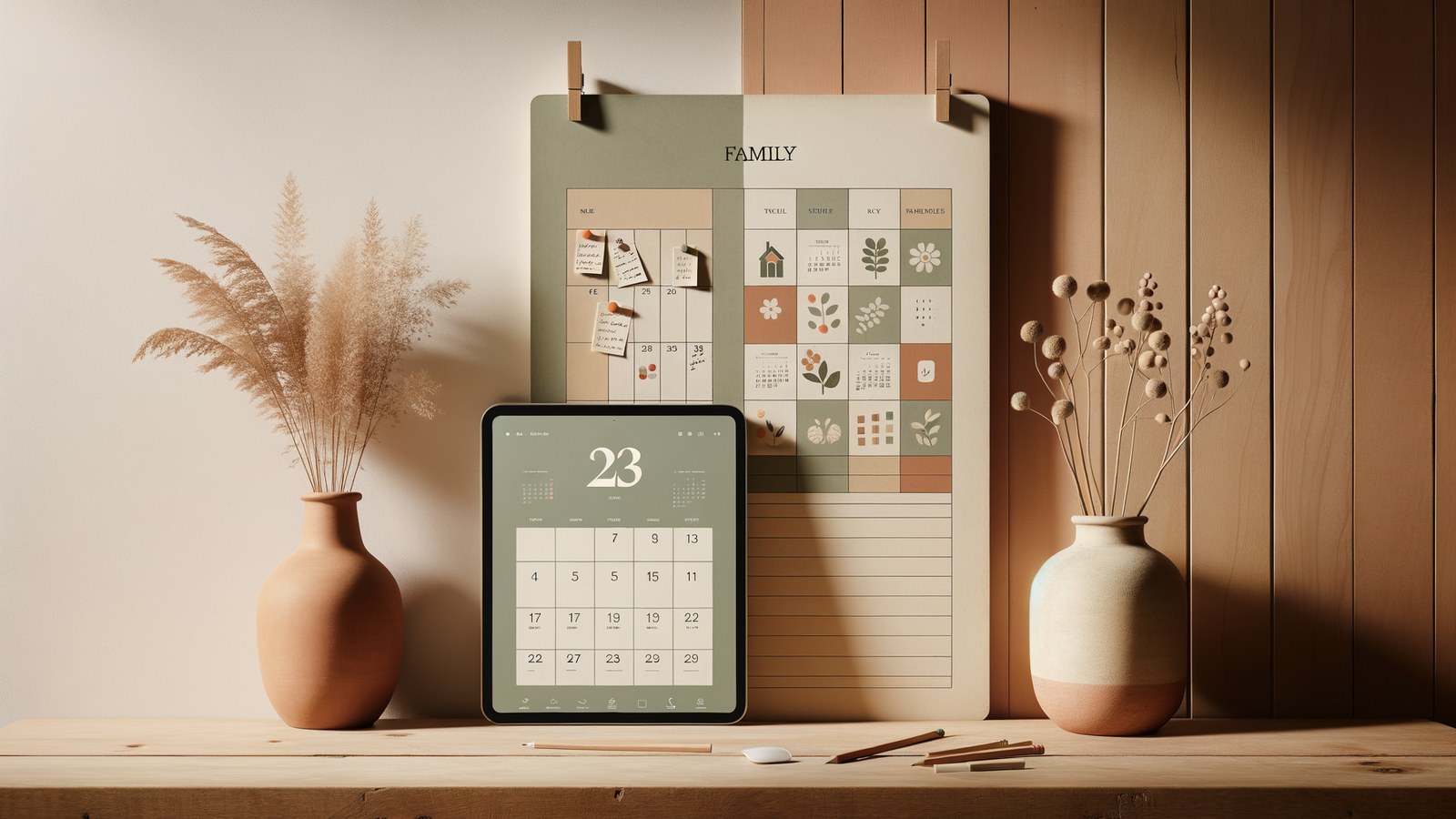
Paper planners feel calm and digital calendars feel powerful — but which one actually keeps a family in sync? A side-by-side comparison.
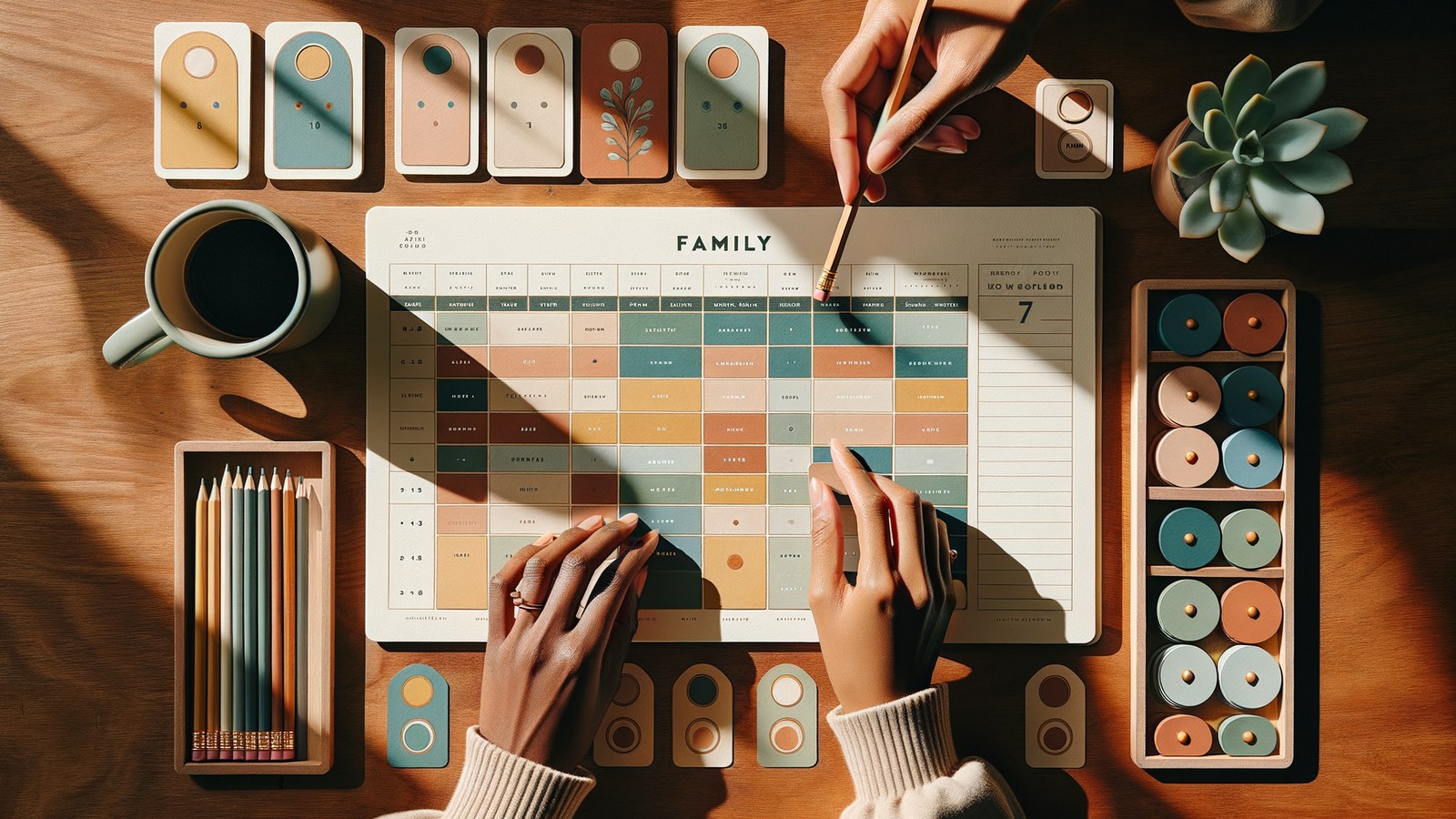
A practical step-by-step guide to setting up a family calendar the whole household will keep using — not abandon after two weeks.

Smart reminders turn a passive calendar into a system that actually reaches the whole family at the right moment. Here is how to use them well.

Shift work makes a normal family calendar fall apart. Here is how to build a rotating-schedule family calendar that handles nights, 2-2-3, and on-call without manual upkeep.
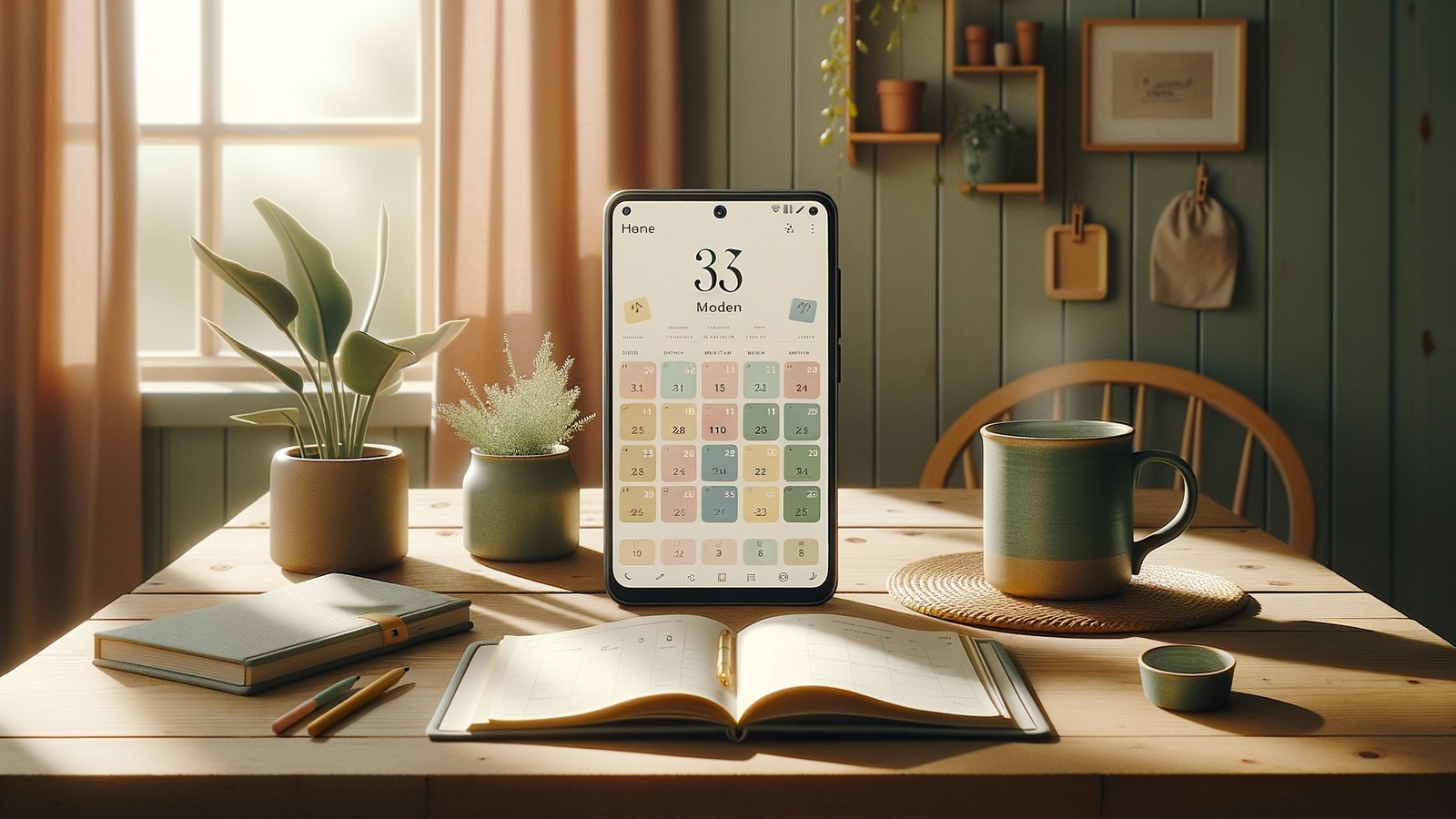
A fair, opinionated roundup of the best family calendar apps in 2026 — what each one does well, where it falls short, and how FamilyBoard compares.

A practical, field-tested guide to keeping soccer, piano, playdates, and pickups from turning every week into a logistics war room.
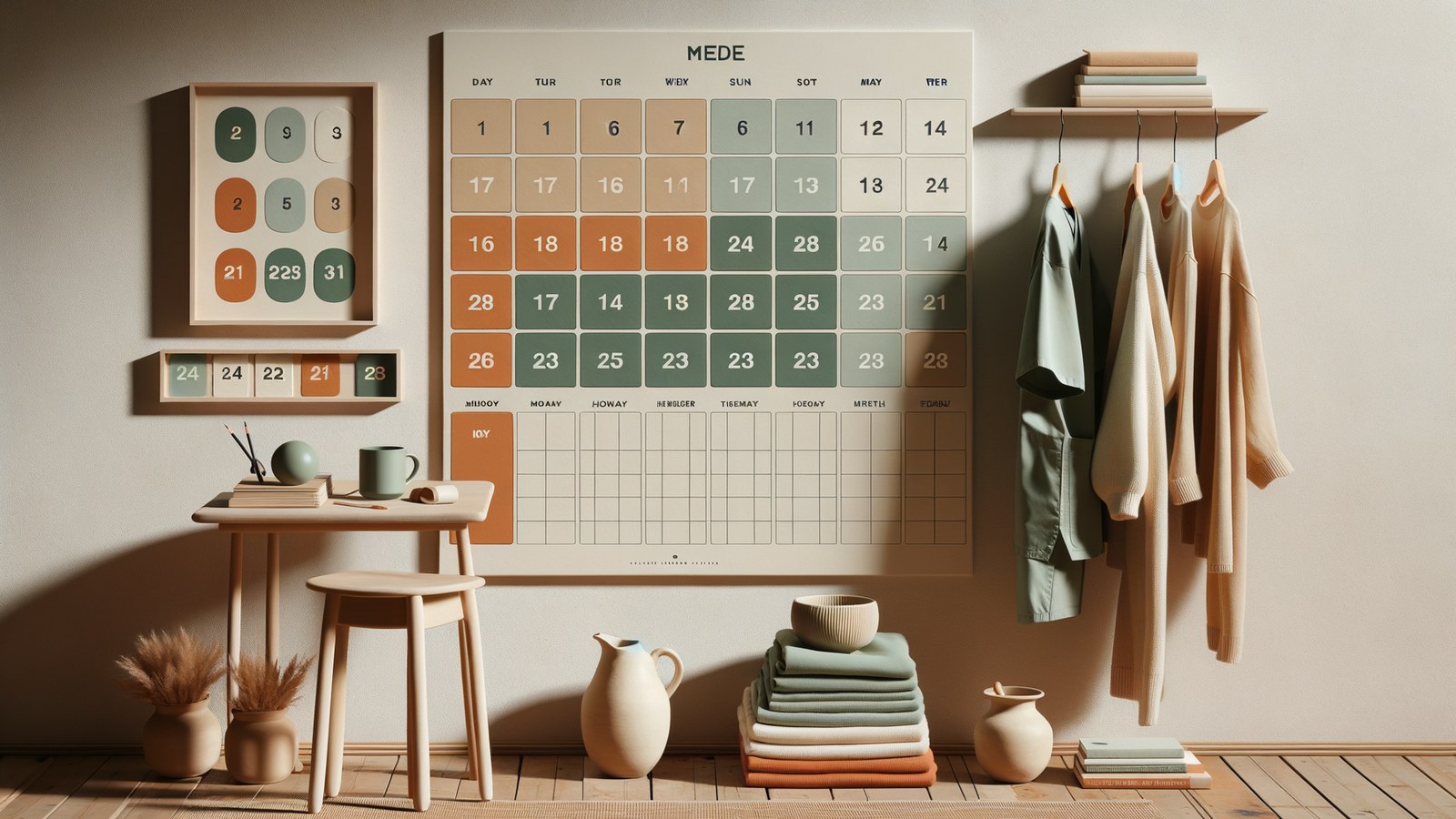
A real-world walkthrough of how a nurse and a teacher run a 4-week rolling schedule, with templates you can copy today.

The five most common reasons shared family calendars break down — and the small changes that make them stick.
The invisible work of running a family rarely shows up on the calendar. Here's how to make it visible — and actually split it.

A founder story about a Swedish family of five, two careers, three kids, and every family-calendar app falling short.

When should a child start using the family calendar? A privacy-first, age-appropriate guide for parents.
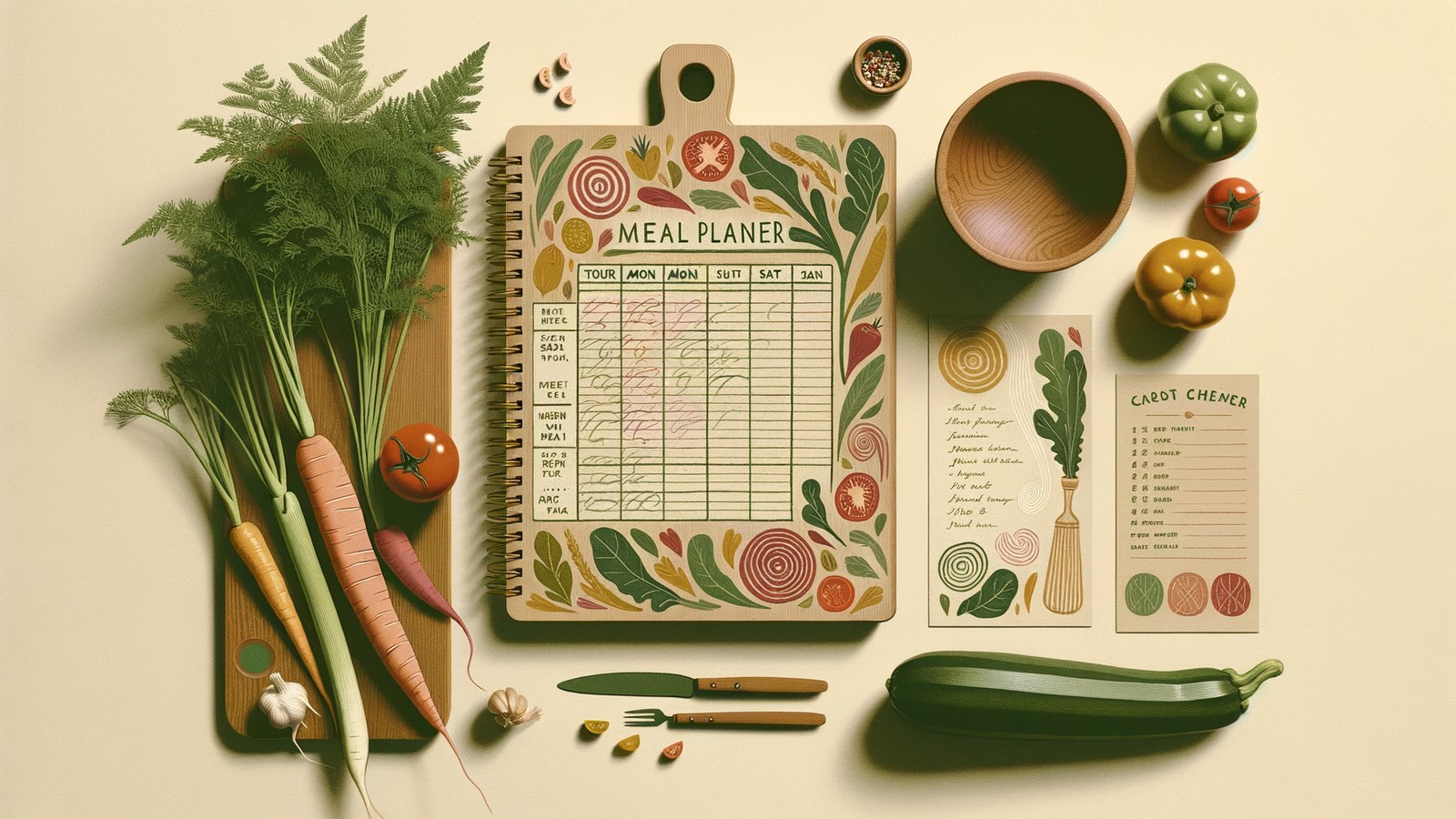
Most meal planning fails because it's disconnected from the week it has to survive. Here's how to plan dinners against the calendar, not apart from it.

In-laws, old friends, cousins with kids — a practical playbook for hosting overnight guests without the usual logistical chaos.

A calm, practical look at what makes shared scheduling work between separated parents — and how to avoid the features that create more conflict.

A one-week, one-task-a-day plan to transform how your family handles its schedule. No app required, but a shared calendar helps.